Denise Felisha
Free guide + copy-and-paste prompt
Turn Claude Code into your video editing assistant.
You filmed it. Let’s get it edited. Get my step-by-step guide to setting up a reusable workflow for cutting retakes, tightening pauses, adding branded captions, and preparing your videos for social.
By Denise Felisha, founder of Purple Mango Co.
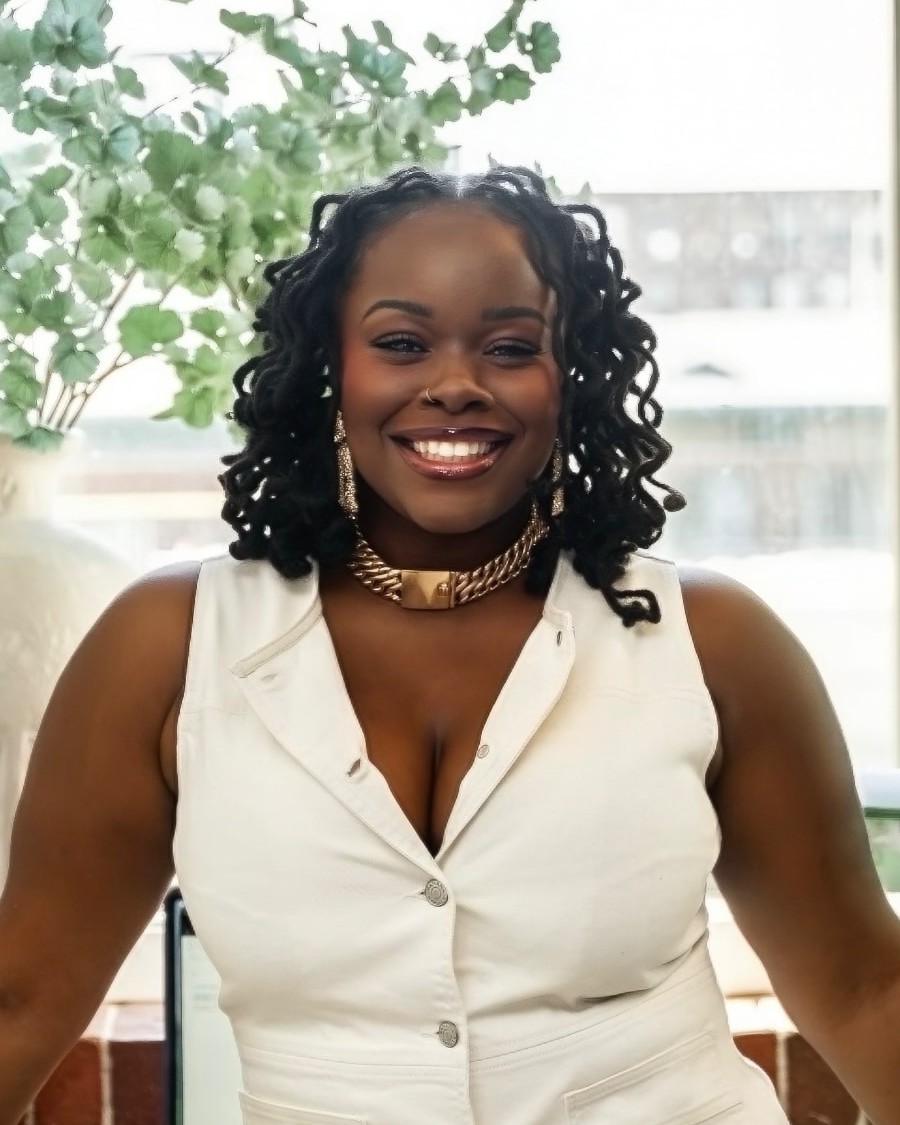 Denise Felisha
Written for Mac users. Plan for about 30 minutes of initial setup; your timing may vary.
See the workflow
- OneClip
Raw footage
- TwoEdit
Your editing instructions
- ThreeExport
A cut to review
01The editing problem
The video is recorded. The editing is still on your list.
You have something worth saying. You made time to record it. Now there are retakes to cut, captions to add, and audio to sort out before anyone sees it.
I created this guide to help you put Claude Code to work on those steps, with your brand preferences and editing instructions built into a skill you can use again.
02What’s inside the guide
The prompt, the setup, and the “okay, now what?”
A step-by-step setup
Follow the Mac setup instructions, install the tools, and get familiar with the few Terminal commands you’ll need.
The copy-and-paste prompt
Give Claude Code instructions to build a reusable video editing skill around your footage, platforms, and creative preferences.
Your brand, built in
Set your colors and fonts so your editing workflow has a reference for captions and graphics.
Tests and troubleshooting
Check the setup with a short test clip, try a practice recording, and work through common issues before using it on your next project.
03Editing capabilities
Give your editing assistant a clear assignment.
The guide shows you how to set up instructions for:
- CutCutting retakes and tightening long pauses.
- CaptionsAdding captions in your brand colors and fonts.
- ClipsCombining clips or splitting a recording into separate videos.
- AudioAdjusting audio levels and improving dark footage where possible.
- ExportFormatting exports for the platform you’re posting on.
Here’s my raw recording for this week’s Reel. Cut my retakes and pauses, and add my captions.
You choose the direction, review the results, and ask for changes. You’re still the director.
04Setup requirements
A few things to have ready.
- A Mac. This guide is written for macOS.
- Access to Claude Code. The guide assumes a paid Claude subscription.
- About 5 GB of free space.
- Your brand colors and font files.
- A short video to test the workflow.
The guide walks you through pasting commands into Terminal. Expect some setup, testing, and adjustments as you make the workflow your own.
05About Denise
Hey, I’m Denise.
I’m a senior marketer, creator, and founder of Purple Mango Co., a strategy-first marketing consultancy. I spend a lot of time thinking about how good ideas become content people actually get to see.
I also know what it’s like to have footage waiting while client work and everything else keep moving. This guide brings together the setup and instructions for putting Claude Code to work in your video editing process. Try it, make it yours, and keep your creative judgment involved.
- Marketing strategy
- Content
- AI workflows
Let’s get that footage moving.
Get the free guide and copy-and-paste prompt to start building your own AI-assisted video editing workflow.
Denise Felisha